Why Software Releases Fail Even After Testing
A release can pass every test and still fail in production. Here’s why it happens and how a smarter QA strategy can prevent it.

- Passing tests doesn’t guarantee release success
- Real user behaviour must be tested
- Automation alone is not enough
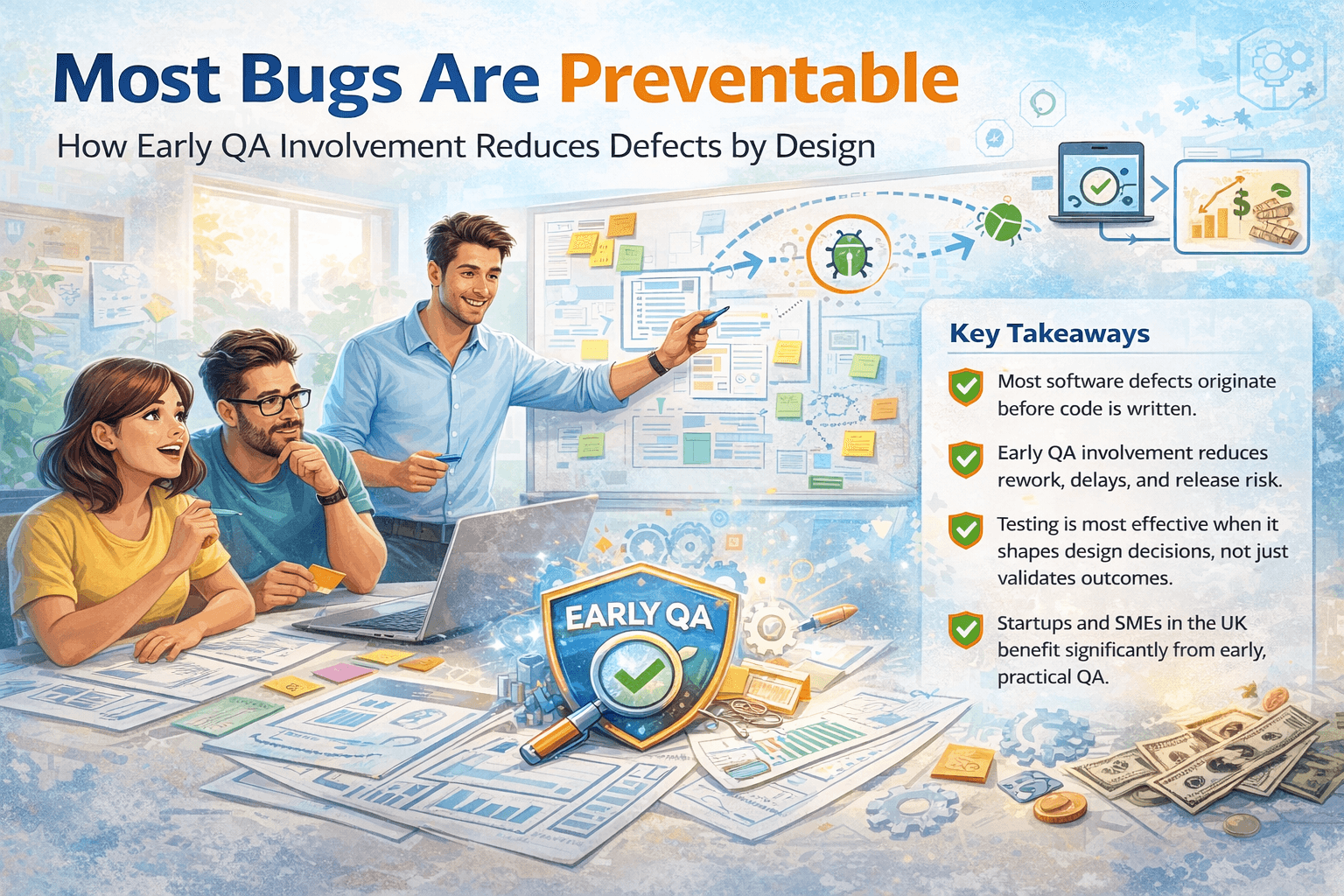
- QA should start early, not at release time
- Risk-based testing reduces production failures
Introduction
It’s one of the most frustrating experiences for any product team:
- The release passed all tests.
- The build was approved.
- The deployment went live.
And yet — within hours — users start reporting issues.
This raises an uncomfortable question:
How can software fail after testing?
At KualitySoft, a software testing company working with startups and growing teams, we’ve seen this scenario repeatedly. The problem is rarely that testing didn’t happen — it’s that the right testing didn’t happen at the right time, often due to common QA mistakes.
Testing Passed — So What Went Wrong?
Testing success often creates a false sense of security.
A release can pass test cases and still fail because:
- Tests didn’t reflect real user behaviour
- Risks weren’t prioritised correctly
- Environments differed from production
- QA was involved too late
Understanding these gaps is key to preventing future failures.
Reason #1: Testing Focused on Happy Paths Only
Many test cases are designed around ideal scenarios — where users follow expected steps, enter valid data, and complete flows perfectly.
Real users don’t behave that way.
They:
- Skip steps
- Refresh pages mid-flow
- Switch devices
- Enter unexpected inputs
When testing ignores negative and edge scenarios, failures surface in production.
How to prevent this:
Include exploratory testing and negative scenarios in every release cycle.
Reason #2: Environment Mismatch Between Testing and Production
A common and underestimated issue is testing in environments that don’t match production.
Differences may include:
- Configuration settings
- Third-party integrations
- Caching behaviour
- Load and traffic patterns
Even small mismatches can cause serious failures post-release.
How to prevent this:
Test in production-like environments wherever possible and validate configurations before release.
Reason #3: Automation Gave False Confidence
Automation testing is powerful — but it only checks what it’s programmed to check. This limitation is exactly why some of the most critical bugs escape automation.
Automation doesn’t:
- Assess usability
- Question business logic
- Notice confusing workflows
Teams with heavy automation but minimal manual testing often miss user-centric issues.
How to prevent this:
Balance automation with manual testing to validate real user journeys.
Reason #4: Late QA Involvement
When QA is involved only after development is complete, critical risks are already embedded in the product.
At that point:
- Fixes are costly
- Deadlines are tight
- Issues get deprioritised
Late QA leads to compromised testing quality, because at that point, most bugs are already designed into the product.
How to prevent this:
Introduce QA during requirement reviews and early development phases.
Reason #5: Lack of Risk-Based Testing
Not all features carry the same risk — yet many teams test everything equally.
This leads to:
- Over-testing low-risk areas
- Under-testing critical flows
- Missed business-impacting bugs
How to prevent this:
Adopt risk-based testing by prioritising:
- Payment flows
- Authentication
- Data integrity
- First-time user experiences
Reason #6: Real User Behaviour Was Not Considered
Testing often assumes users behave rationally and follow instructions.
In reality:
- Users misunderstand UI
- Ignore instructions
- Take shortcuts
This gap between assumed and actual behaviour causes many release failures.
How to prevent this:
Test from a user’s perspective — not just from a system perspective.
Reason #7: Incomplete Release Readiness Checks
Passing tests doesn’t automatically mean the product is ready for release.
Release readiness also includes:
- Monitoring setup
- Rollback plans
- Error logging
- Support readiness
Without these, even minor issues can escalate quickly.
How to prevent this:
Use a release checklist that covers technical and operational readiness.
Why This Happens More Often in Startups
Startups face unique pressures:
- Tight deadlines
- Limited QA resources
- Fast-changing requirements
These constraints increase the risk of release failures — especially without a structured QA approach.
This is why many startups choose to work with external QA services or offshore QA teams for independent validation.
How KualitySoft Helps Prevent Release Failures
At KualitySoft, our approach focuses on:
- Early QA involvement
- Risk-based testing
- Manual + automation balance
- Real user scenario validation
We don’t just test for defects — we test for release confidence.
Final Thoughts
Software releases don’t fail because teams don’t care about quality. They fail because testing doesn’t always reflect reality.
The goal of QA isn’t to prove the software works — it’s to uncover where it might not.